Easy Fast
Intermittent Fasting App
The simple intermittent fasting app — track fasts with one tap. Download Easy Fast free on the App Store.
Download Easy Fast on theApp Store🔒 No data collected · 100% privacy focused · Free to download
Why Choose the Easy Fast App
Simple, powerful tools to reach your fasting goals
One-Tap Tracking
Start and stop your fast with a single tap in the Easy Fast app. Real-time timer shows exactly how long you have been fasting.
Track Your Trends
Visualize your fasting history with charts in Easy Fast. See patterns, streaks, and stay motivated over weeks and months.
Smart Reminders
Easy Fast sends gentle reminders to start or end your fasting window so you never miss a fast.
Dark Mode
Easy Fast includes a beautiful dark theme — easy on your eyes when you check your fast at night.
Multiple Plans
Easy Fast supports 16:8, 18:6, 20:4, OMAD, 5:2, and custom schedules. Pick what fits your lifestyle.
100% Private
Easy Fast does not collect your data. Fasting history stays on your device. Optional food photos are only sent to OpenAI or Gemini when you use meal analysis.
Fasting Guides from Easy Fast
Expert articles on intermittent fasting, schedules, and weight loss
Best Fasting App in 2026: Simple, Private, and Effective
Find the best fasting app for your goals in 2026. Compare what matters, skip the bloat, and see why a simple, free, privacy-focused tracker like Easy Fast wins for most people.

Fasting Schedule: How to Build a Plan That Fits Your Life
Compare popular fasting schedules and learn how to build an intermittent fasting plan that matches your work, sleep, and social life for long-term success.
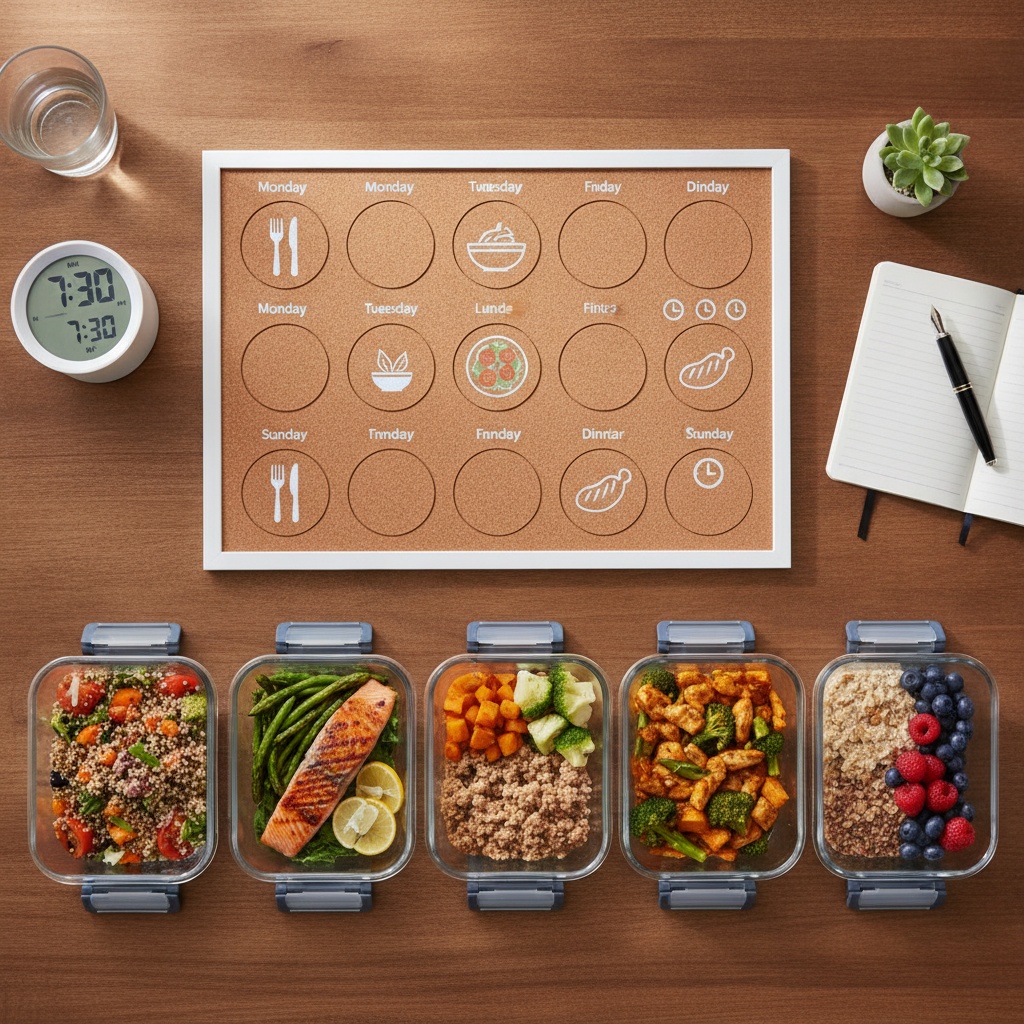
Intermittent Fasting Schedule: Find Your Perfect Eating Window
Learn how to build the best intermittent fasting schedule for your lifestyle, compare popular eating windows, and optimize your fasting hours for energy, results, and long-term success.
Easy Fast App Reviews
"Lost 15 pounds in 2 months! Easy Fast made fasting so simple. Just tap to start, tap to stop."
"Finally an app that doesn't overwhelm you. The Easy Fast app is exactly what the name says!"
"After 3 weeks of 16:8 with Easy Fast, my energy levels are through the roof. The reminders keep me on track."
Frequently Asked Questions About Easy Fast
Common questions about Easy Fast and the Easy Fast app
What is Easy Fast?
Easy Fast is a free intermittent fasting tracker app for iPhone made by NextPixel Apps. It helps you start and stop fasts with one tap, track fasting history with charts, set reminders, and follow plans like 16:8, 18:6, 20:4, OMAD, and 5:2. All data stays on your device — Easy Fast does not collect personal information.
What is the Easy Fast app?
The Easy Fast app is an iOS intermittent fasting tracker available on the App Store. It is designed to be the simplest fasting app available: open the app, tap once to start your fast, and tap again when your eating window begins. The Easy Fast app includes fasting timers, trend charts, smart reminders, dark mode, and multiple fasting schedules without requiring an account or internet connection for core tracking.
Is Easy Fast free?
Yes. Easy Fast offers a free version with essential fasting features including the fasting timer, history, reminders, and standard plans like 16:8. Easy Fast also offers an optional premium subscription for advanced analytics and extra features. You can download Easy Fast free from the App Store and start tracking immediately.
Is Easy Fast a good intermittent fasting app?
Easy Fast is rated 4.7+ stars on the App Store and trusted by over 1 million fasters. Users choose Easy Fast because it is simpler than feature-heavy fasting apps — one-tap tracking, optional premium features, and a clean interface focused on fasting rather than meal plans or social feeds.
What fasting methods does Easy Fast support?
Easy Fast supports 16:8, 18:6, 20:4, OMAD (one meal a day), 5:2, and custom fasting schedules. You can switch plans anytime in the app to match your lifestyle. Easy Fast displays elapsed fasting time and helps you stay consistent with gentle reminders.
Does Easy Fast collect my personal data?
No. Easy Fast does not collect your personal data. All fasting records, settings, and preferences are stored locally on your iPhone. The only third-party processing is optional: if you use the food photo analysis feature, your food image is sent to OpenAI or Google Gemini to analyze the meal — we do not store those photos on our servers. Easy Fast does not use analytics, advertising, or cloud data collection.
Does Easy Fast use third-party services?
Easy Fast does not use analytics, advertising, or data-collection services. The only third-party integration is optional food photo analysis: when you choose to scan a meal, the photo is sent to OpenAI or Google Gemini to identify the food. We do not store those images on our servers. Subscriptions are handled by Apple through the App Store.
Why choose Easy Fast over other fasting apps?
Easy Fast prioritizes simplicity and privacy. One-tap start/stop, optional premium features, fasting reminders, and multiple schedules (16:8, 18:6, OMAD, and more). No data collection — your fasting history stays on your device. The only third-party service is optional food photo analysis via OpenAI or Google Gemini.
Can I use Easy Fast for 16:8 intermittent fasting?
Yes. 16:8 is the most popular plan on Easy Fast. Select the 16:8 preset, start your fast after dinner or before bed, and Easy Fast tracks your 16-hour fasting window automatically. The app shows how long you have been fasting and when your eating window opens.
How do I download the Easy Fast app?
Download Easy Fast from the Apple App Store on your iPhone or iPad. Search for "Easy Fast" or "Easy Fast fasting tracker" or visit the App Store link at easyfastingapp.com. Easy Fast requires iOS and works on iPhone. Install the app, pick your fasting plan, and tap to start your first fast.
Does Easy Fast work offline?
Yes. Easy Fast works fully offline for fasting tracking because all data is stored on your device. You do not need an internet connection to start, stop, or view your fasting history. Reminders use local iOS notifications.
How do I cancel Easy Fast premium?
To cancel Easy Fast premium, open iPhone Settings → tap your name → Subscriptions → Easy Fast → Cancel Subscription. Your premium features remain active until the end of the current billing period. The free version of Easy Fast continues to work after cancellation.
Who makes Easy Fast?
Easy Fast is developed by NextPixel Apps LLP. The official Easy Fast website is easyfastingapp.com. For support, contact [email protected].
Download the Easy Fast App Free
Join over 1 million people using Easy Fast to track intermittent fasting.
Download on the App StoreFree to download · Easy Fast for iPhone